
Data is imported automatically from the fine
You can enter the fine details yourself or import them automatically after uploading a PDF.
Fleetfines recognises all fields for Dutch & Belgian fines fully automatically.
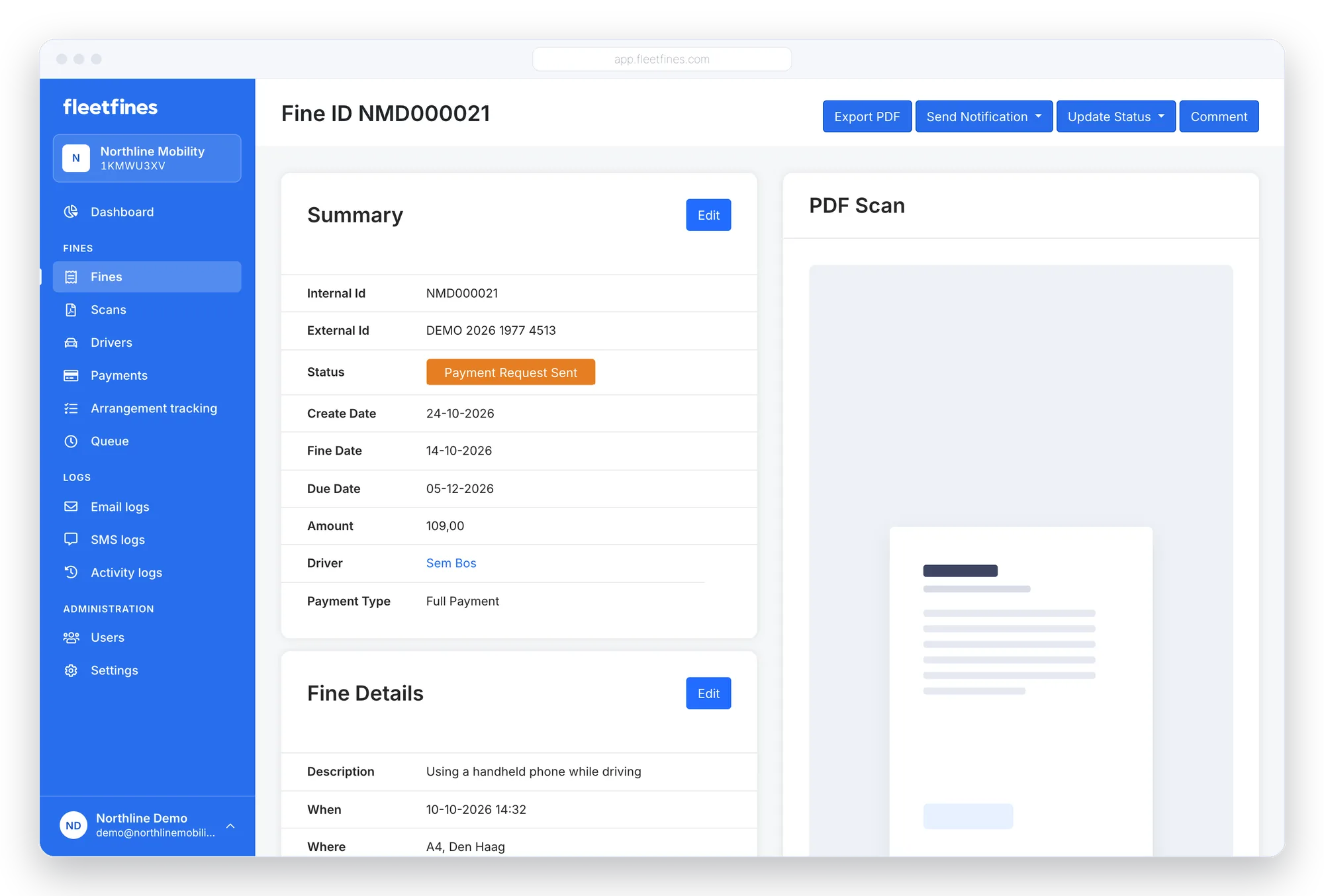
Dutch CJIB & Belgian fines
For the PDF files below, all data is imported fully automatically:
From PDF to a fully imported fine
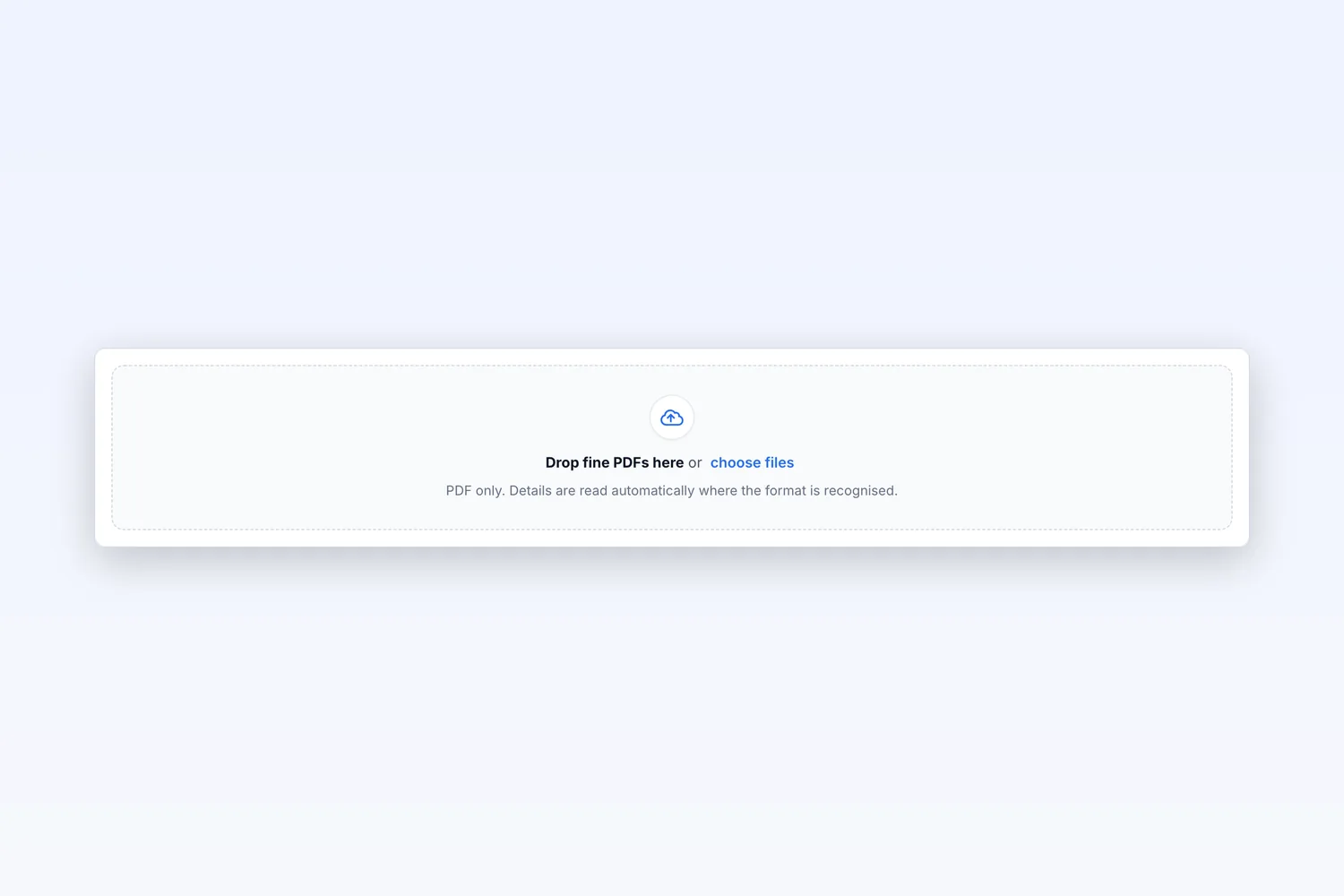
Upload the fine as a PDF
Drag the fine PDF into Fleetfines. If the format is recognised, the data is read out automatically.
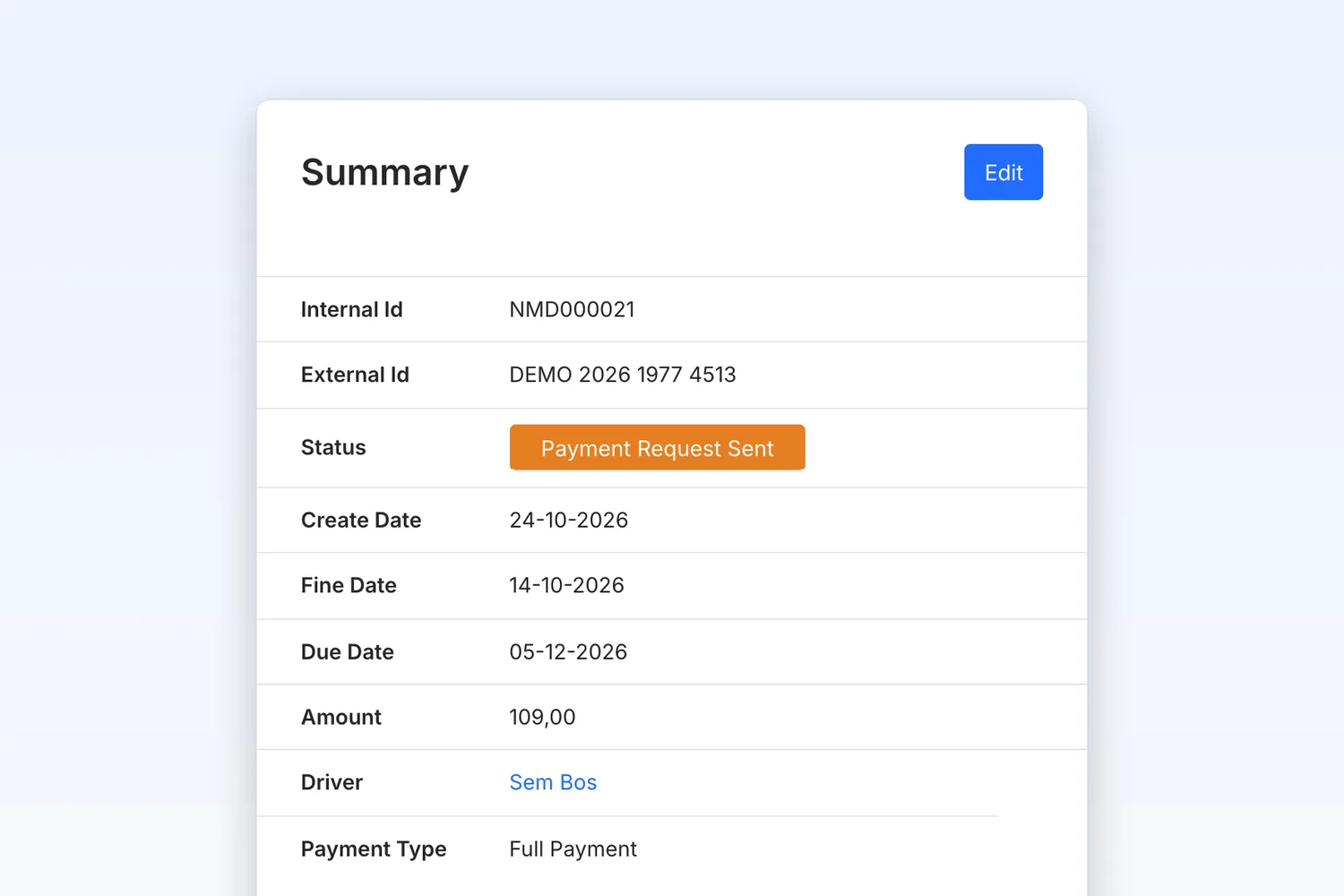
Data imported automatically
Internal and external ID, fine date, due date, amount and driver appear straight in the summary.
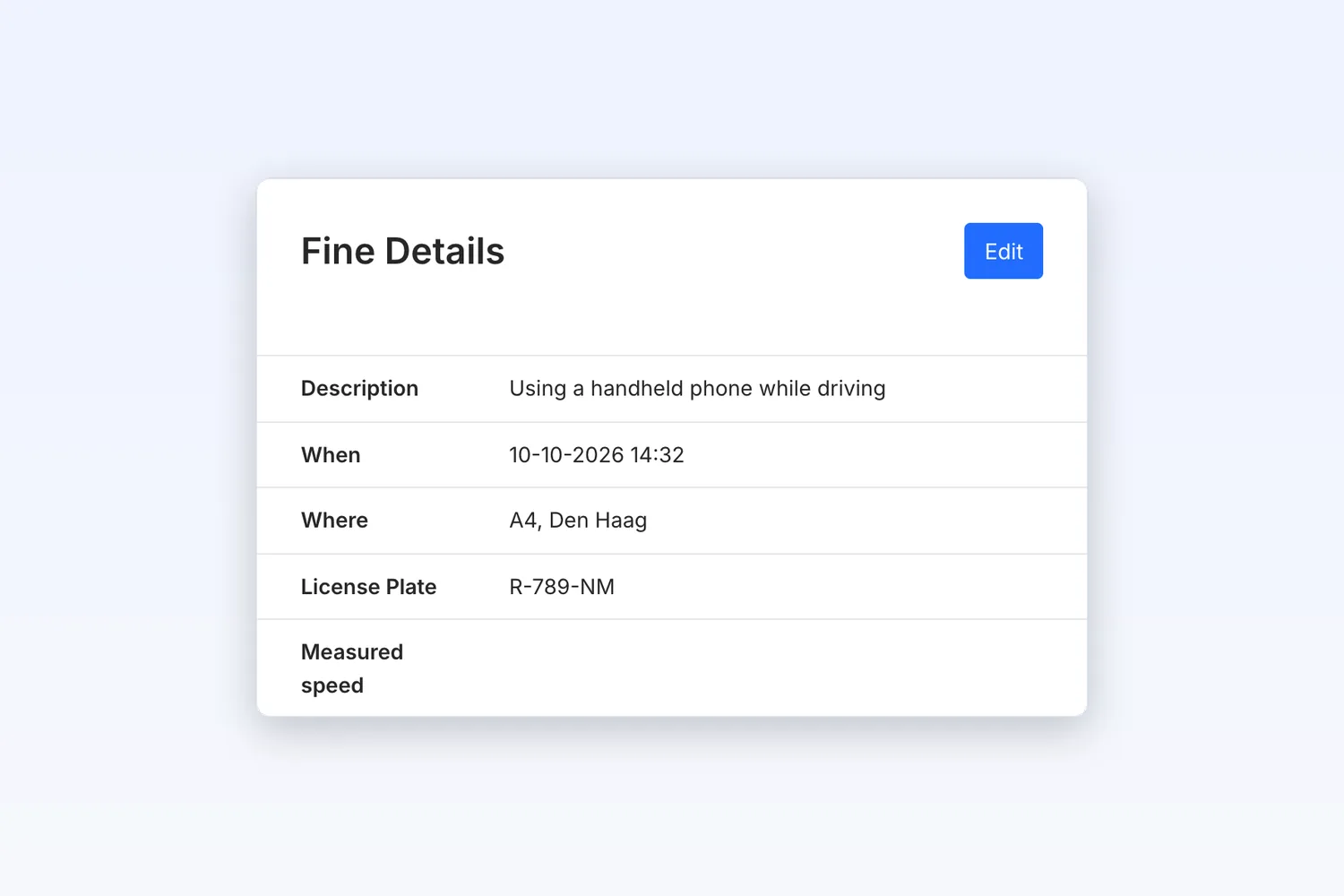
Every detail in one place
Description, time, location, licence plate and measured speed, to be completed where needed.
Importing fines automatically
Which fines can Fleetfines import automatically?
Fleetfines imports Dutch CJIB fines automatically and also recognises the layouts of a growing number of Belgian municipalities and GAS processors, such as Ghent, Leuven, Mechelen, Halle and Namur.
Which data is extracted from the PDF?
Among other things the fine date, the due date, the reference numbers, the description of the offence, the time, the location, the licence plate and the measured speed. So there is no need to retype any of it.
What if a fine is not recognised automatically?
You can create the fine manually or complete the imported data. Let us know when a layout is missing, so we can add it.
What happens after a fine has been imported?
You link the fine to the right driver, after which the payment request is sent by email and SMS and the payment is followed up automatically.

The solution for automatically managing traffic fines for fleet managers.
Try Fleetfines completely free. After that you pay one fixed price of €5 per month (excl. VAT), with everything included.