
Let drivers pay securely and directly
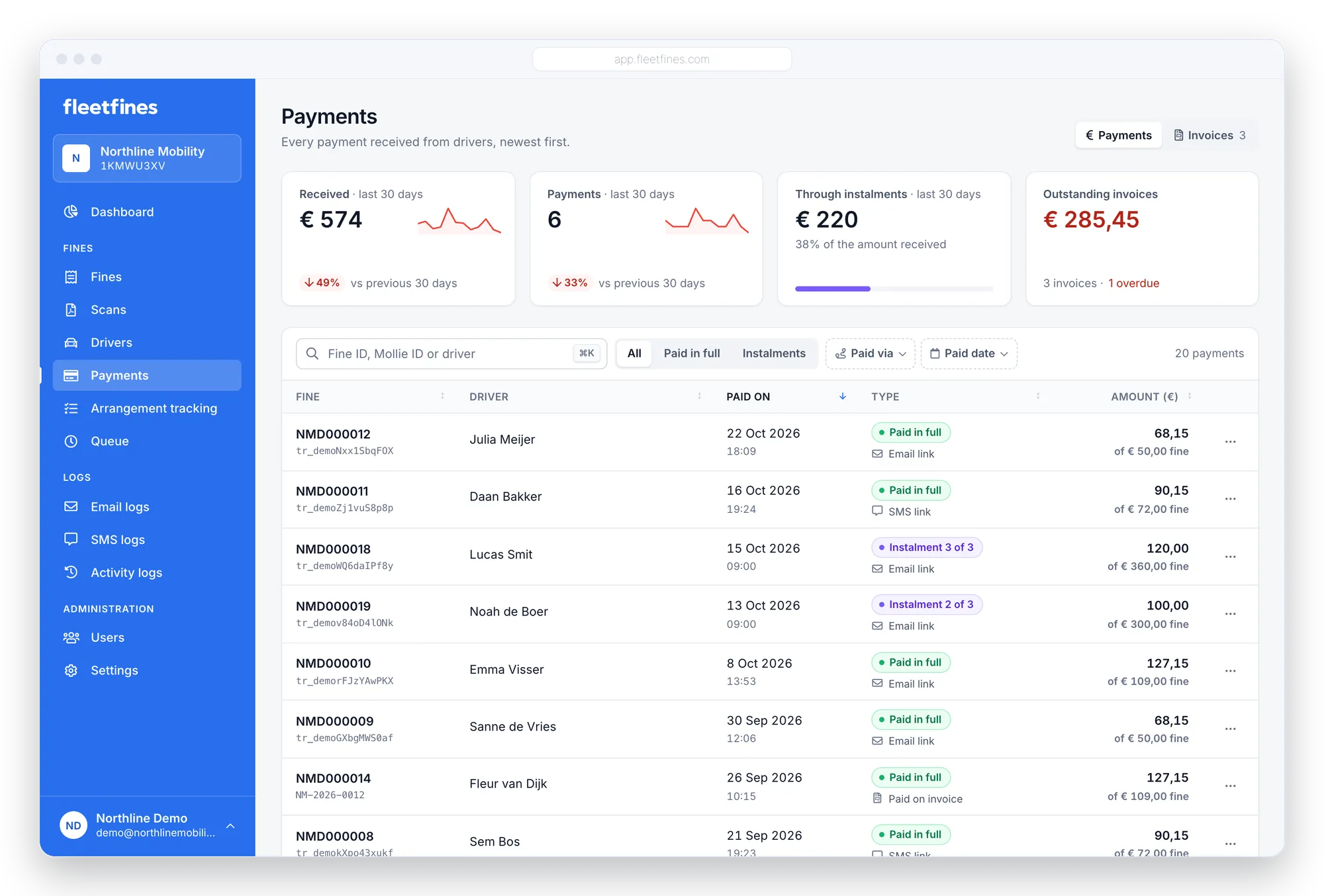
For drivers, paying the fine is very simple. Payment can be made directly from the email or SMS using the most common payment methods.
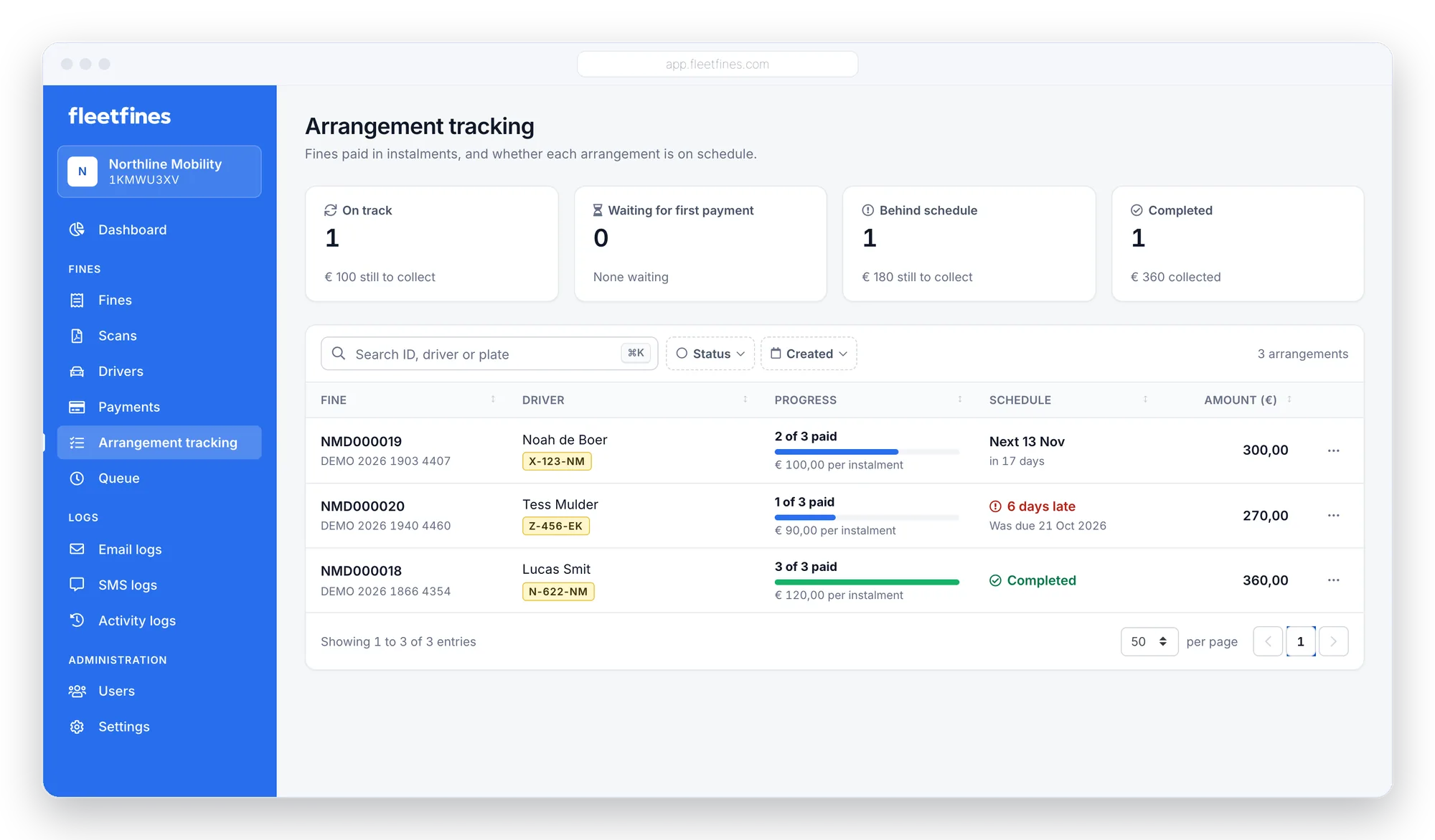
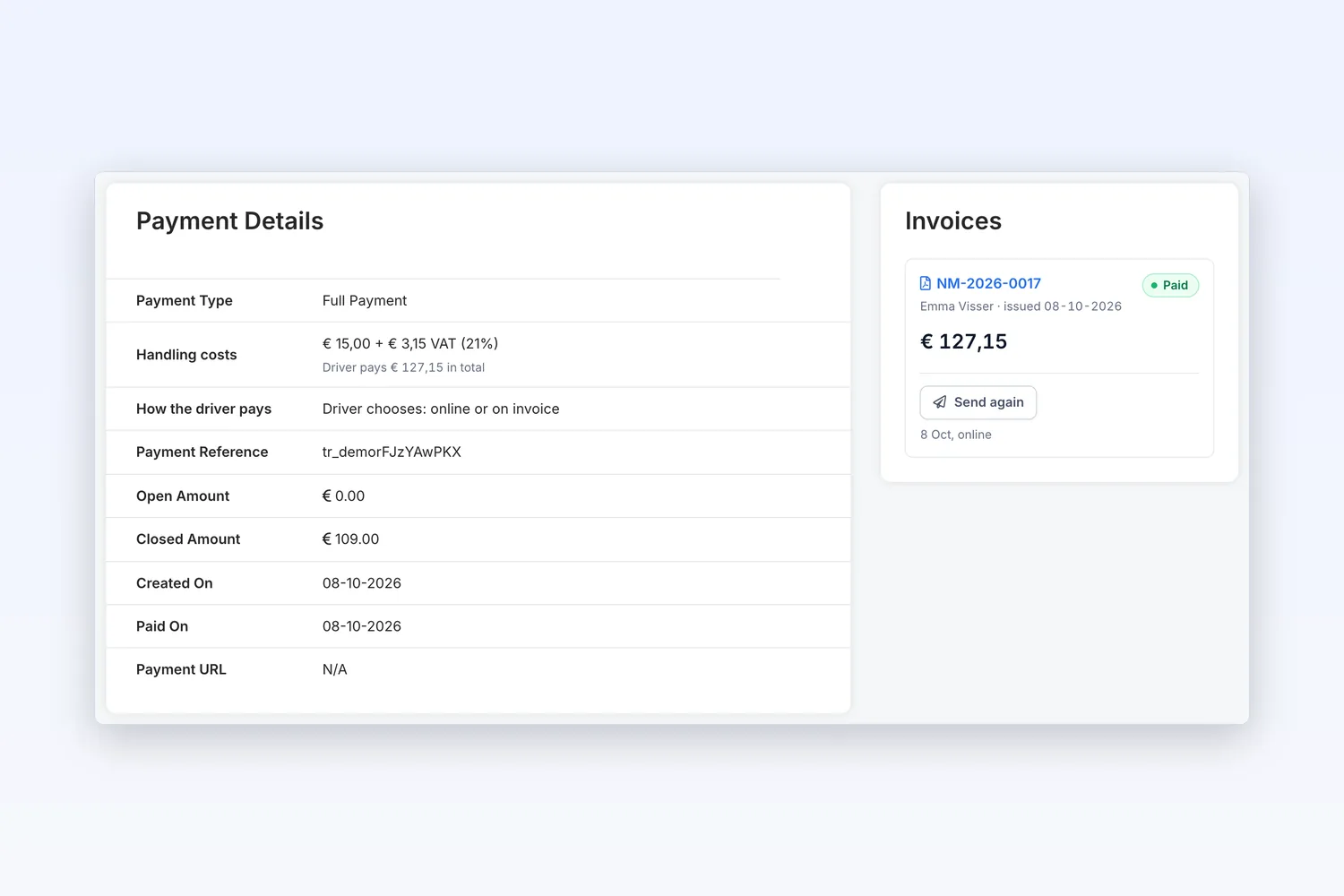
The payment status is updated immediately within Fleetfines, so the fine is removed from the reminder queue.

Automate the entire flow
The payment link to pay the amount due can easily be taken from the fine email or the SMS reminder, and is directly tied to the status of the fine. While the status “Paid” has not yet been reached, the further automation of follow-up reminders by email or SMS is scheduled automatically. You can offer different payment methods to make sure the driver can pay the fine with their preferred method.
There is live insight into a successful payment within Fleetfines, after which the order immediately receives the right status. Read more about insights and statuses on this page.
Payments are deposited straight into the company account. Once the payment is processed by Mollie, the amount paid goes to the company's Mollie account — Fleetfines never holds this money at any point.
Offer a payment plan
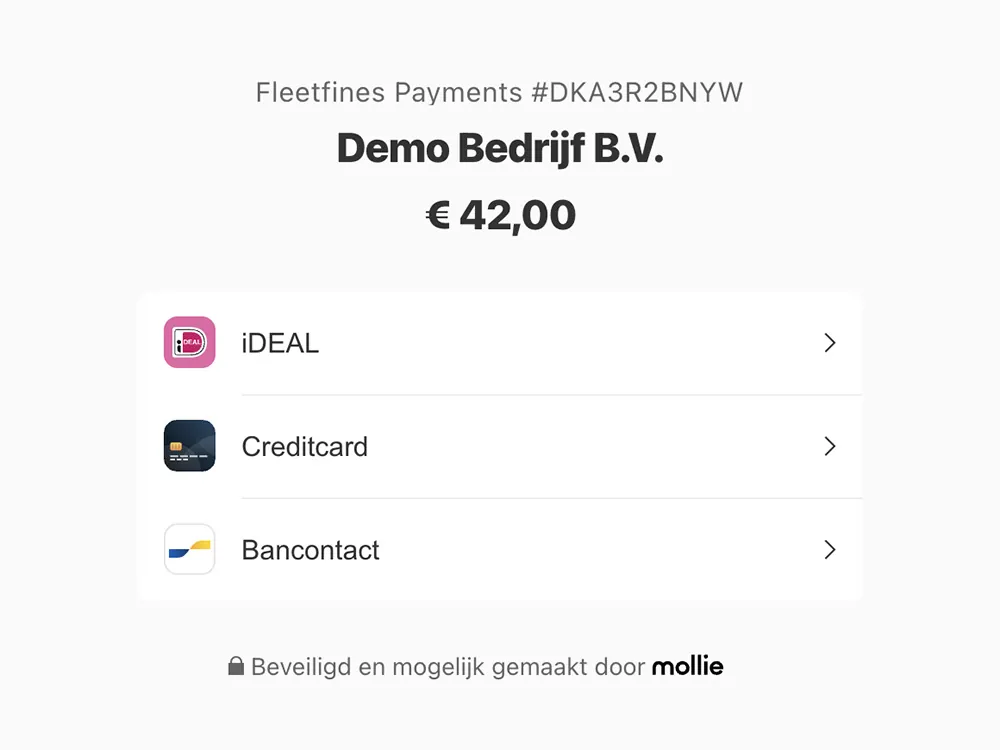
Is the fine such a large amount that the driver would rather pay in instalments? That's easily done by adjusting the frequency.
For example, you can have a € 150 fine paid in 4 parts, where the first payment authorises the automatic direct debit.
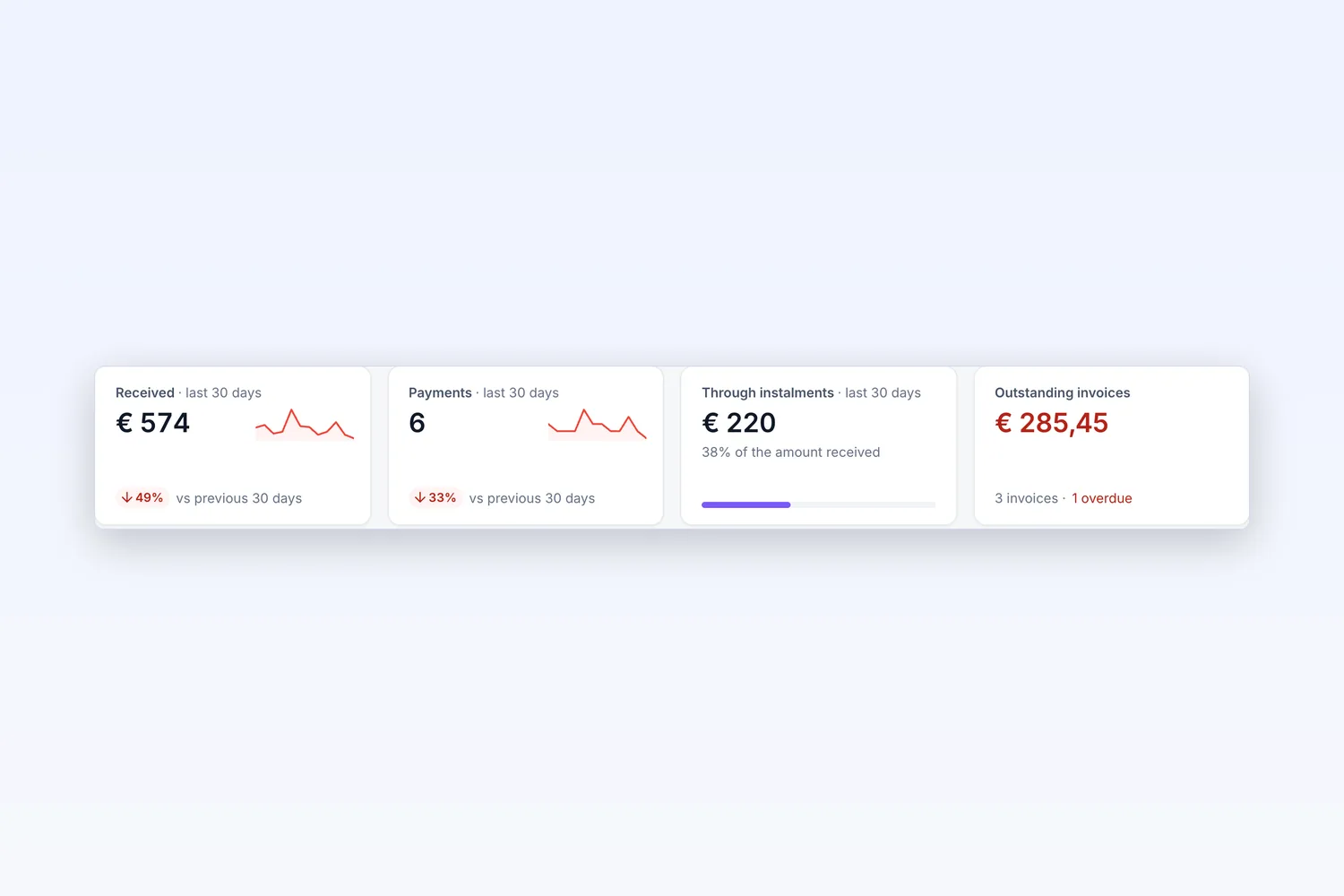
Every payment plan in view
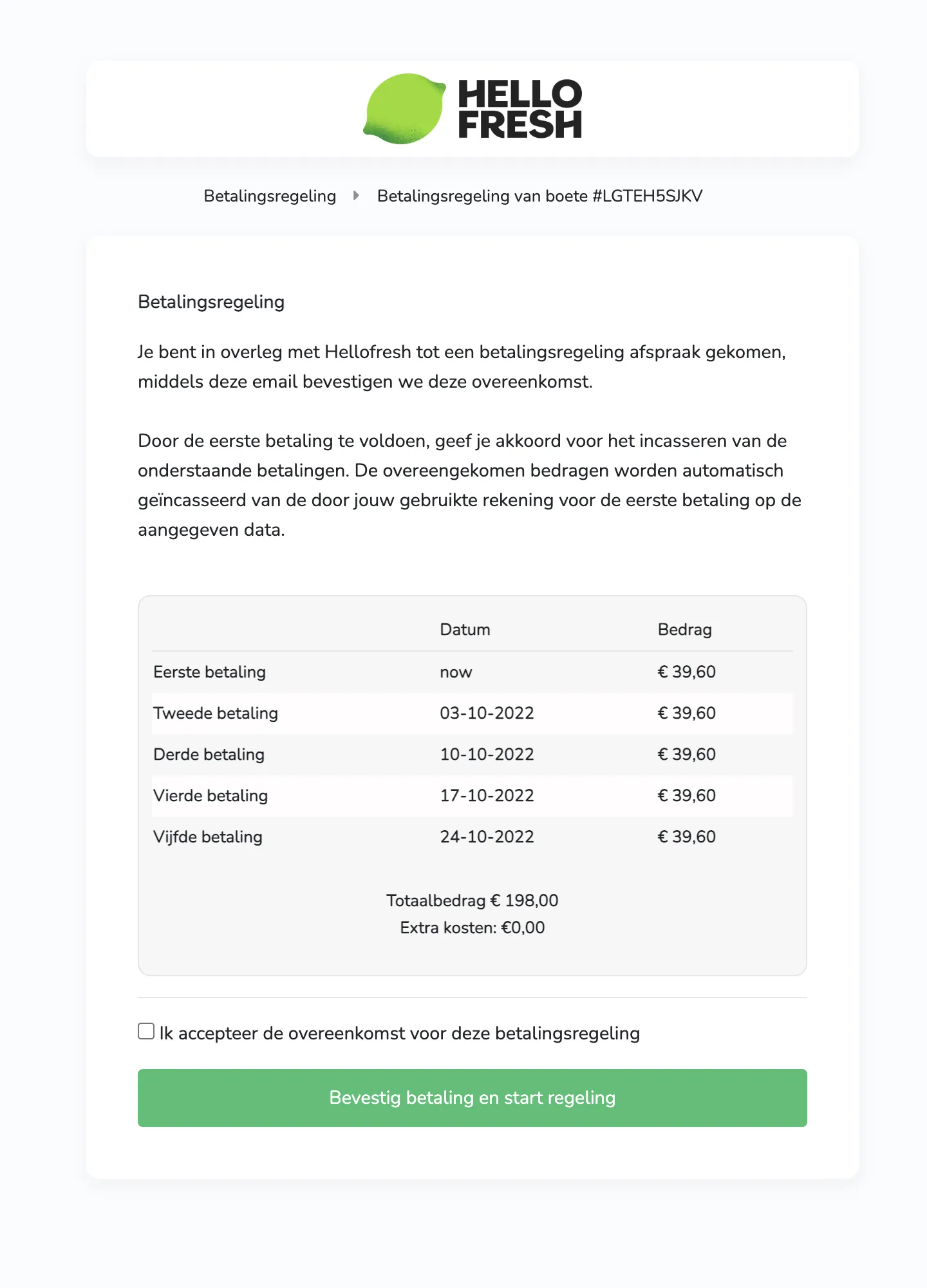
The Arrangement tracking page shows per plan how many instalments have been paid, when the next debit is due and which plan is behind schedule. So you can step in on time.
- On schedule, waiting for first payment, behind schedule or completed
- Next instalment and amount per instalment
- Straight through to the fine and the driver
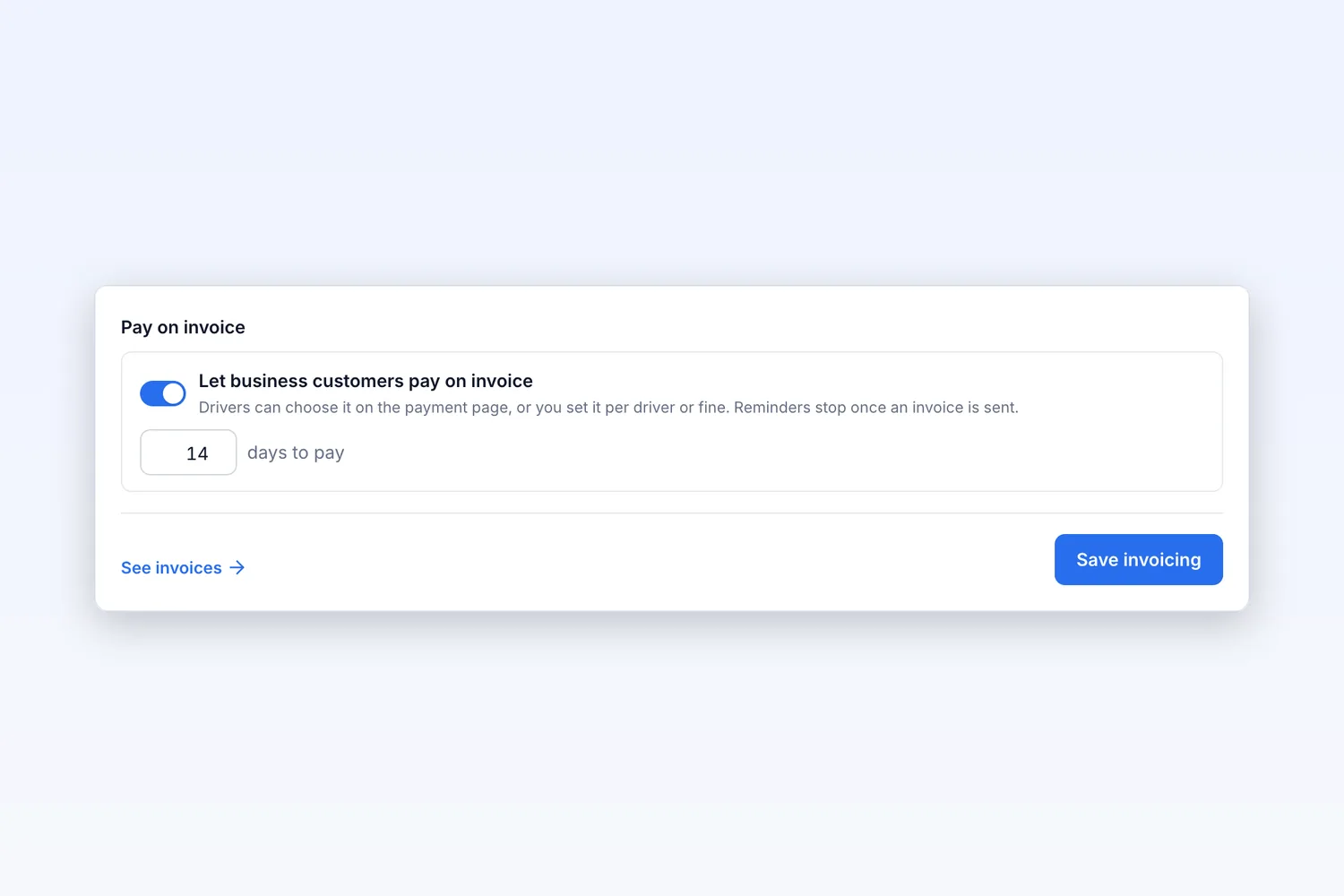
Business customers pay on invoice
Employer, lease company or agency? Let them pay on invoice with a payment term you choose. The driver picks it on the payment page, or you set it per driver or fine. Reminders stop as soon as the invoice has been sent.
A payment request in 4 steps
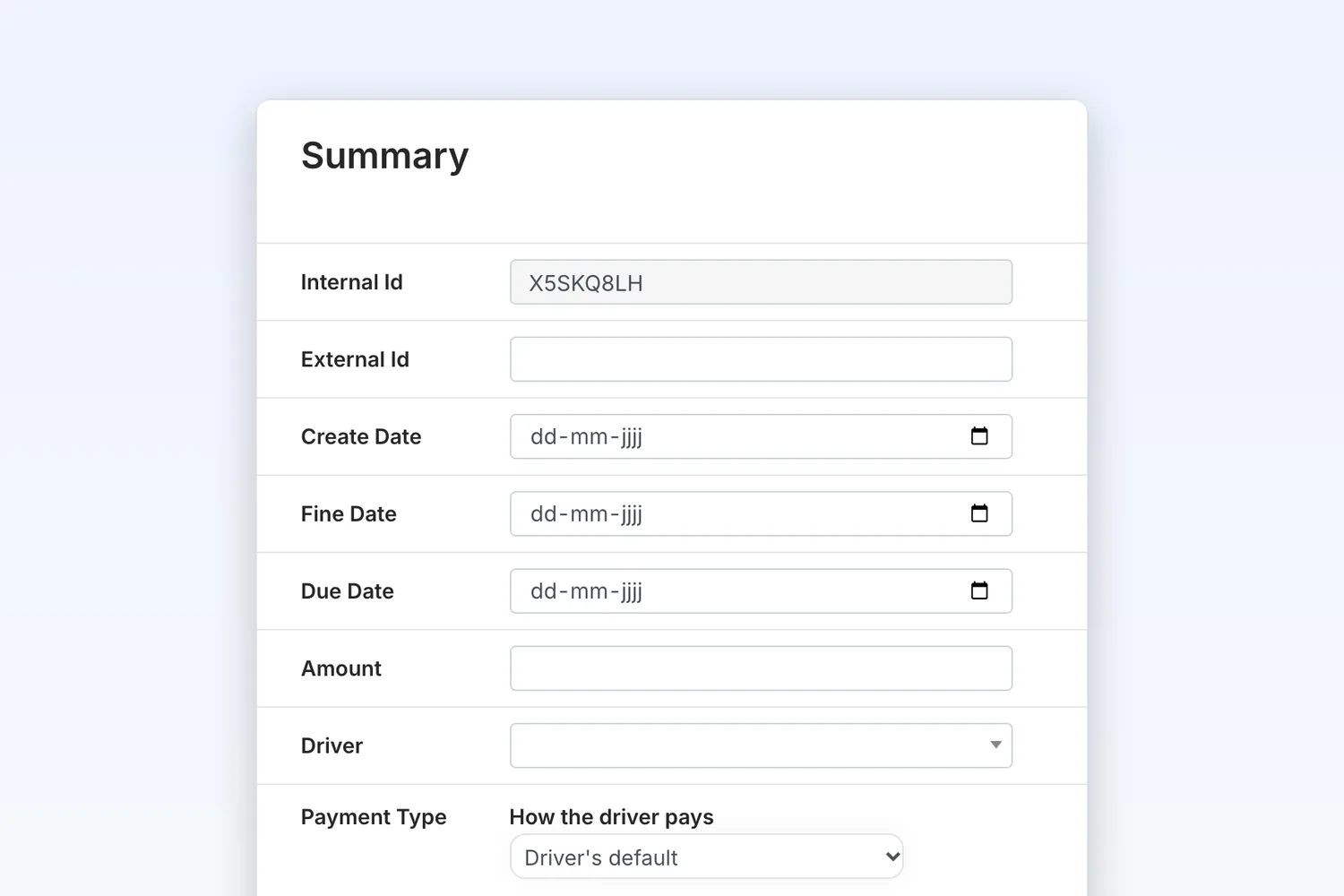
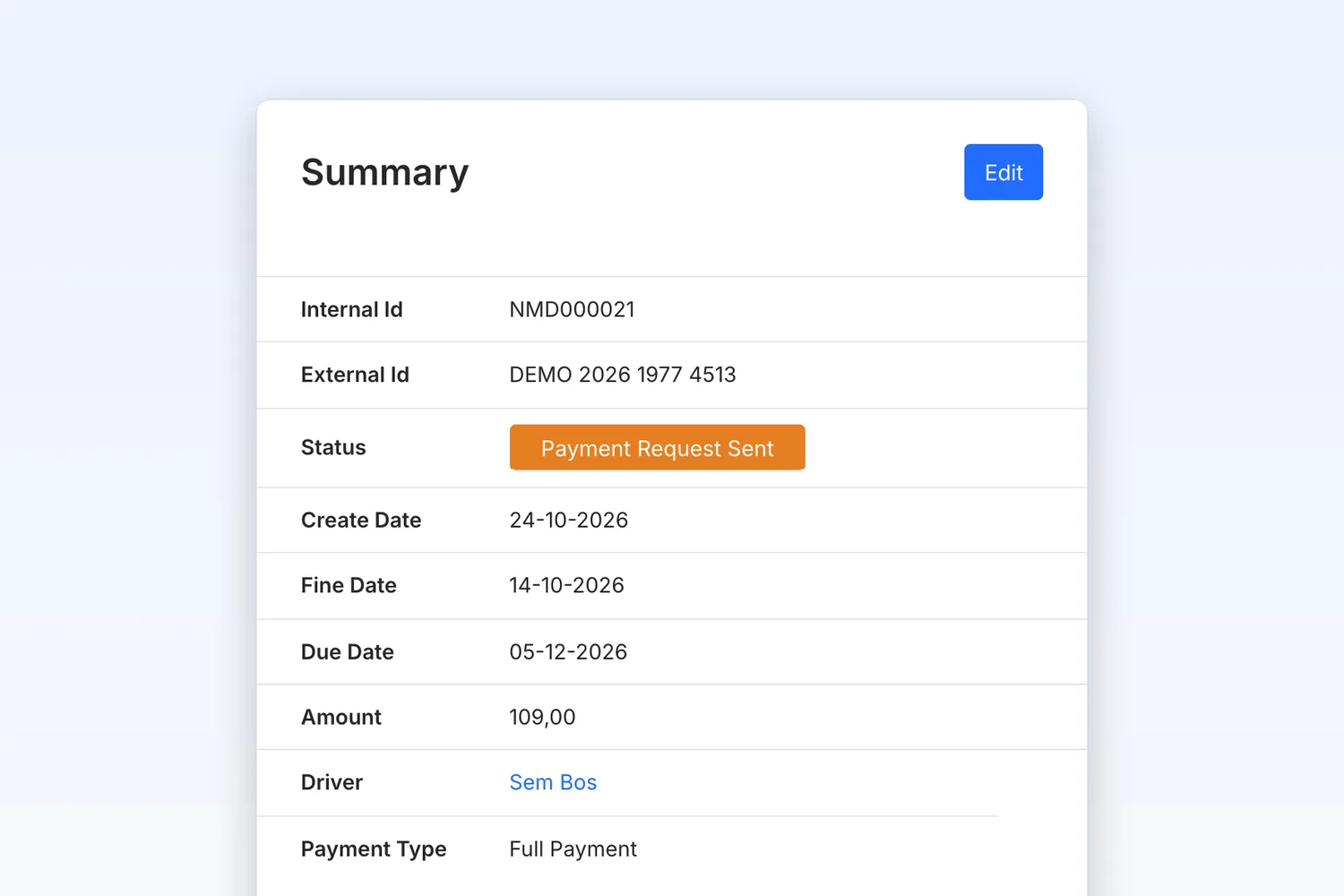
Getting fines paid
Which payment methods can a driver use to pay the fine?
Payments run via Mollie. Drivers pay with familiar methods such as iDEAL, credit card and PayPal, straight from the payment link in the email or SMS.
Where does the paid amount end up?
The amount goes directly to your own company's Mollie account and is paid out to your business bank account. Fleetfines never holds the money at any point.
Can a driver pay a fine in instalments?
Yes. You can easily offer a payment plan, for example a € 150 fine in four parts. With the first payment the driver authorises the automatic follow-up payments.
What happens after the driver has paid?
The fine immediately gets the status Paid and is removed from the reminder queue. The payment is instantly visible in the log and on the dashboard.

“What a blessing to use a Fine Management Tool like Fleetfines. It not only saves us tonnes of time, it also reduces the errors that occur during the manual process and significantly increases the number of fines paid by our drivers.”Sergio – Fleet Manager, HelloFresh

The solution for automatically managing traffic fines for fleet managers.
Try Fleetfines completely free. After that you pay one fixed price of €5 per month (excl. VAT), with everything included.